tools / tools / tools
Client: Open Source Development
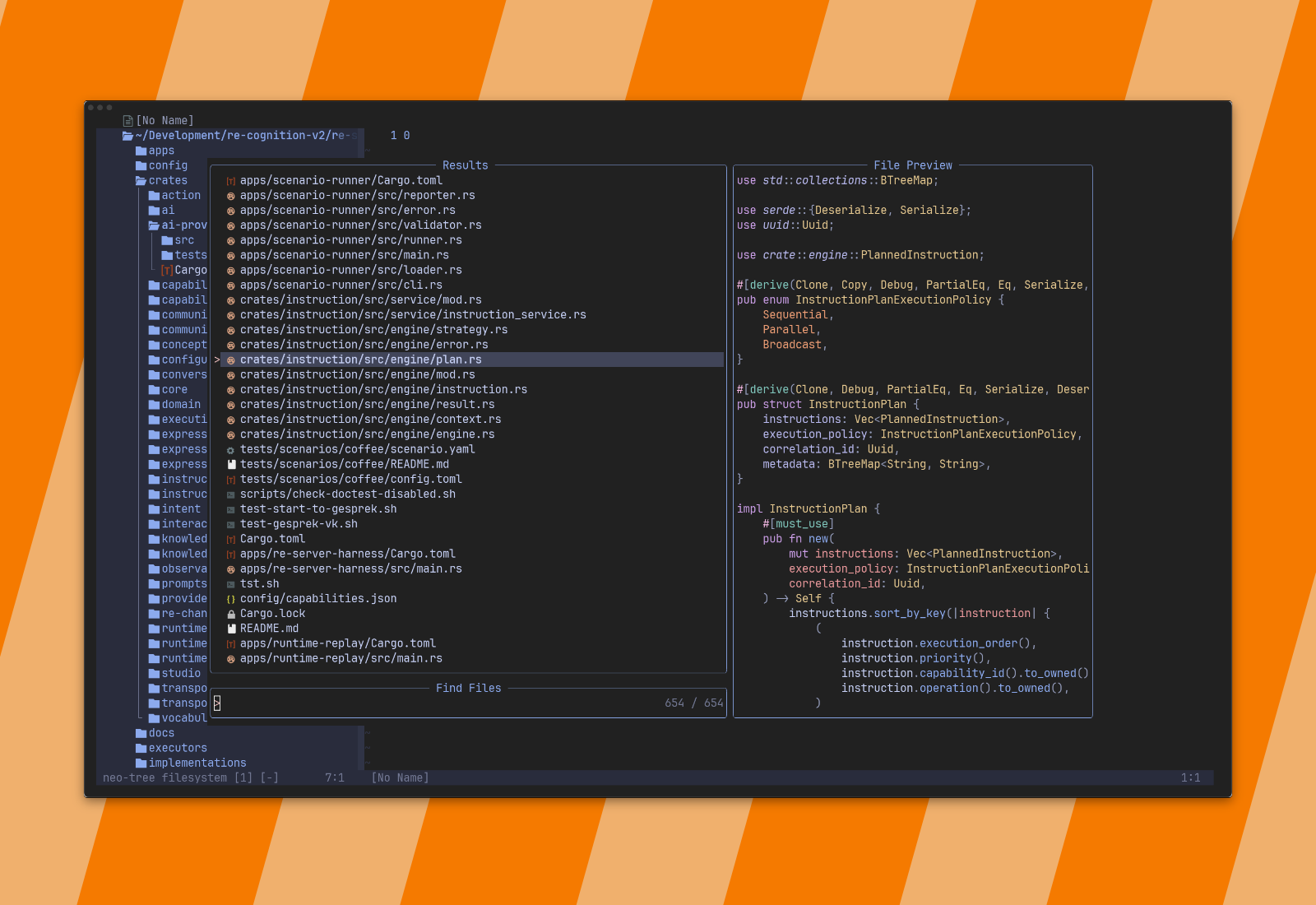
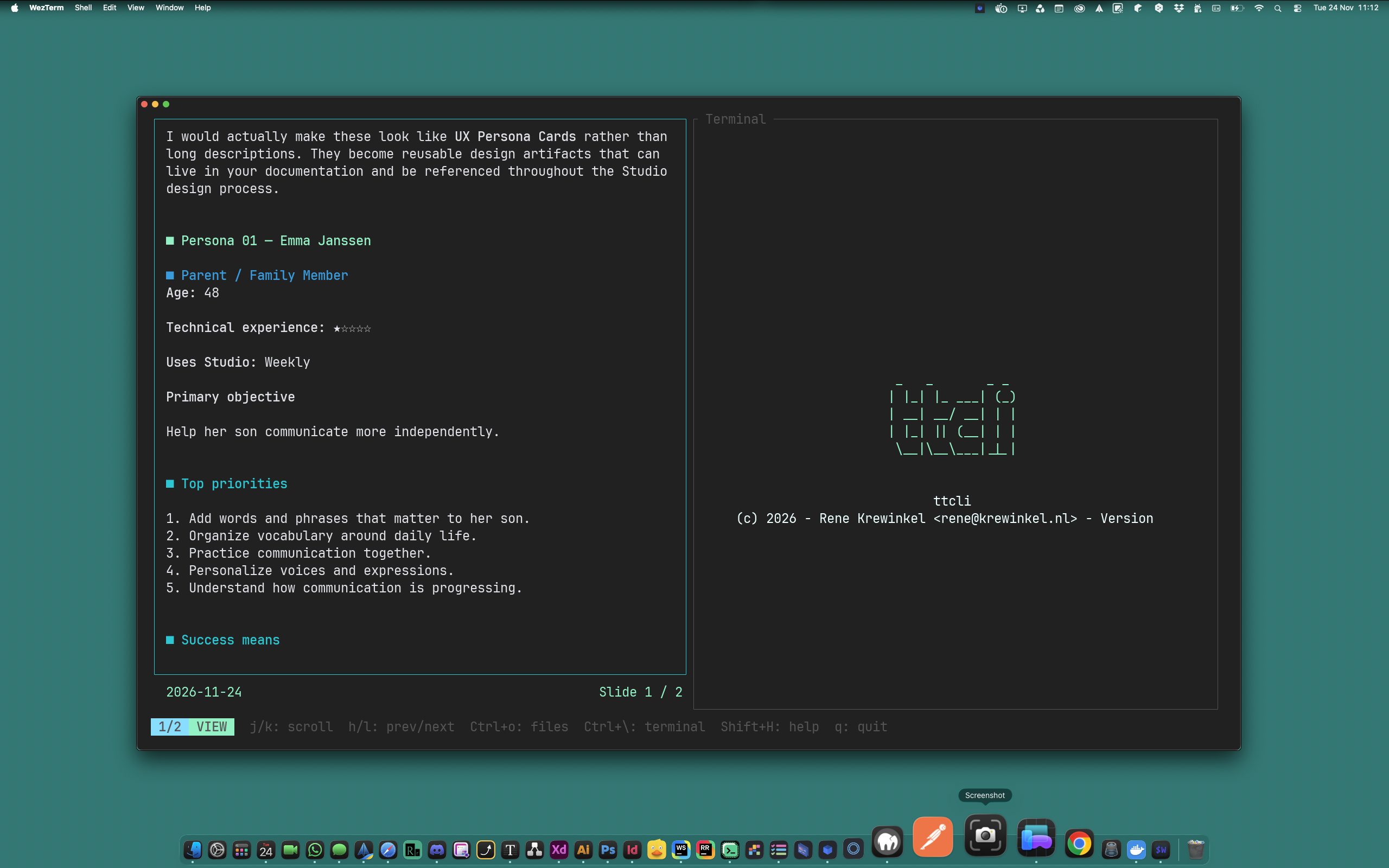
File watcher
Automate repetitive local workflows by watching files and running the commands you choose the moment something changes.
Repo: https://codeberg.org/ReneKrewinkel/file-watcher
App Info
Present application metadata cleanly in the terminal with a small Rust library built for polished CLI output.
Repo: https://codeberg.org/ReneKrewinkel/app_info
App Config
Simplify configuration handling with a lightweight Rust library that loads app settings from familiar TOML locations.
Repo: https://codeberg.org/ReneKrewinkel/app_config
Lib Mongo
Build MongoDB-backed Rust applications faster with a focused library that trims down setup and database boilerplate.
Repo: https://codeberg.org/ReneKrewinkel/lib_mongo
CSum
Turn unstaged Git changes into concise commit messages automatically, using either a local Ollama model or OpenAI.
Repo: https://codeberg.org/ReneKrewinkel/csum
TT CLI
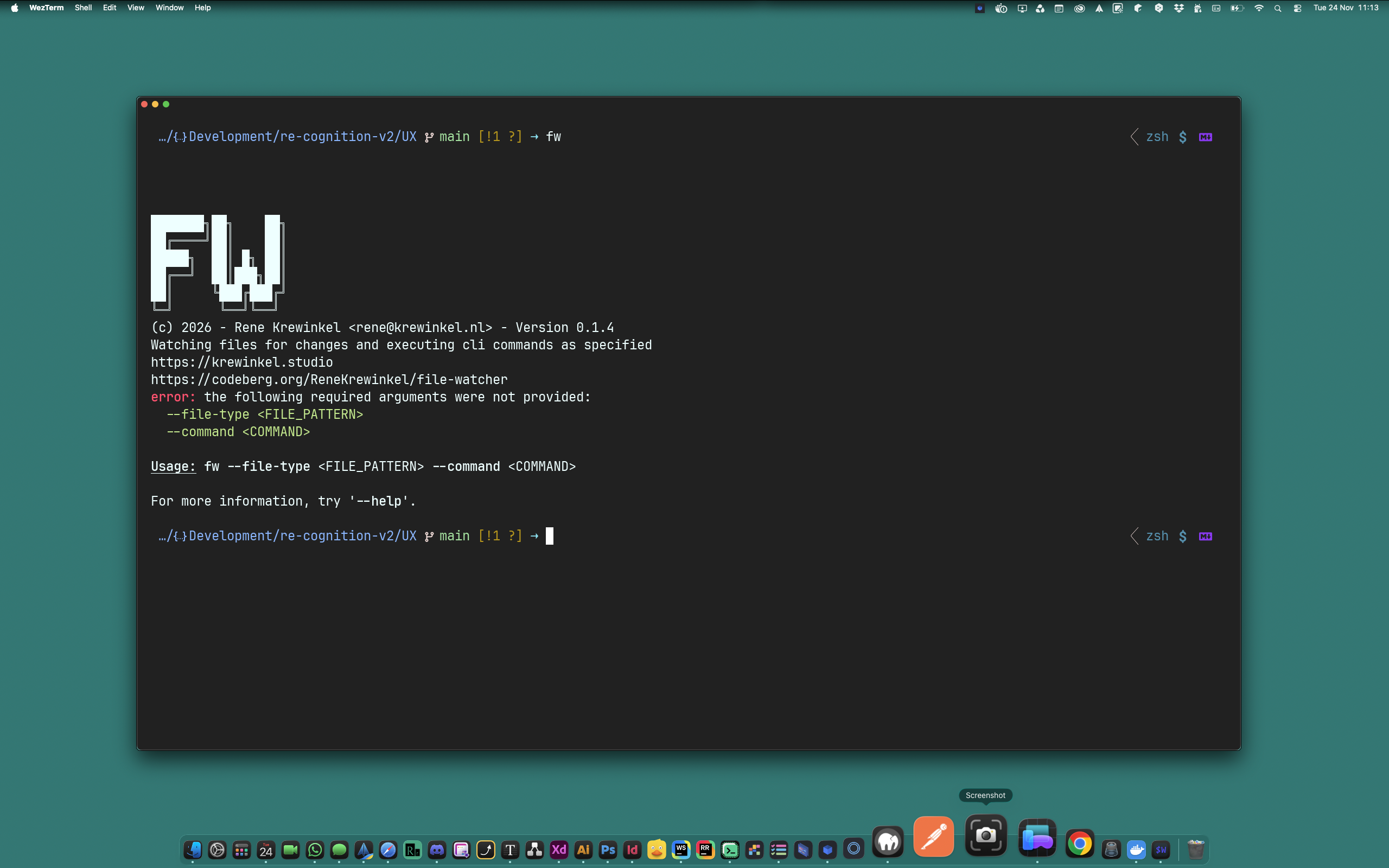
The light weight TUI brother of TerminalTutor is a Rust terminal presentation tool for Markdown slide decks. It opens a directory of .md files, renders the current file in a ratatui viewer, and can split the screen with an embedded shell running in a real PTY.
Website: https://terminal-tutor.krewinkel.studio
TOML cli
Define clap command-line interfaces in TOML to keep CLI structure declarative and your application logic clean.
Repo: https://codeberg.org/ReneKrewinkel/toml_cli
RunX
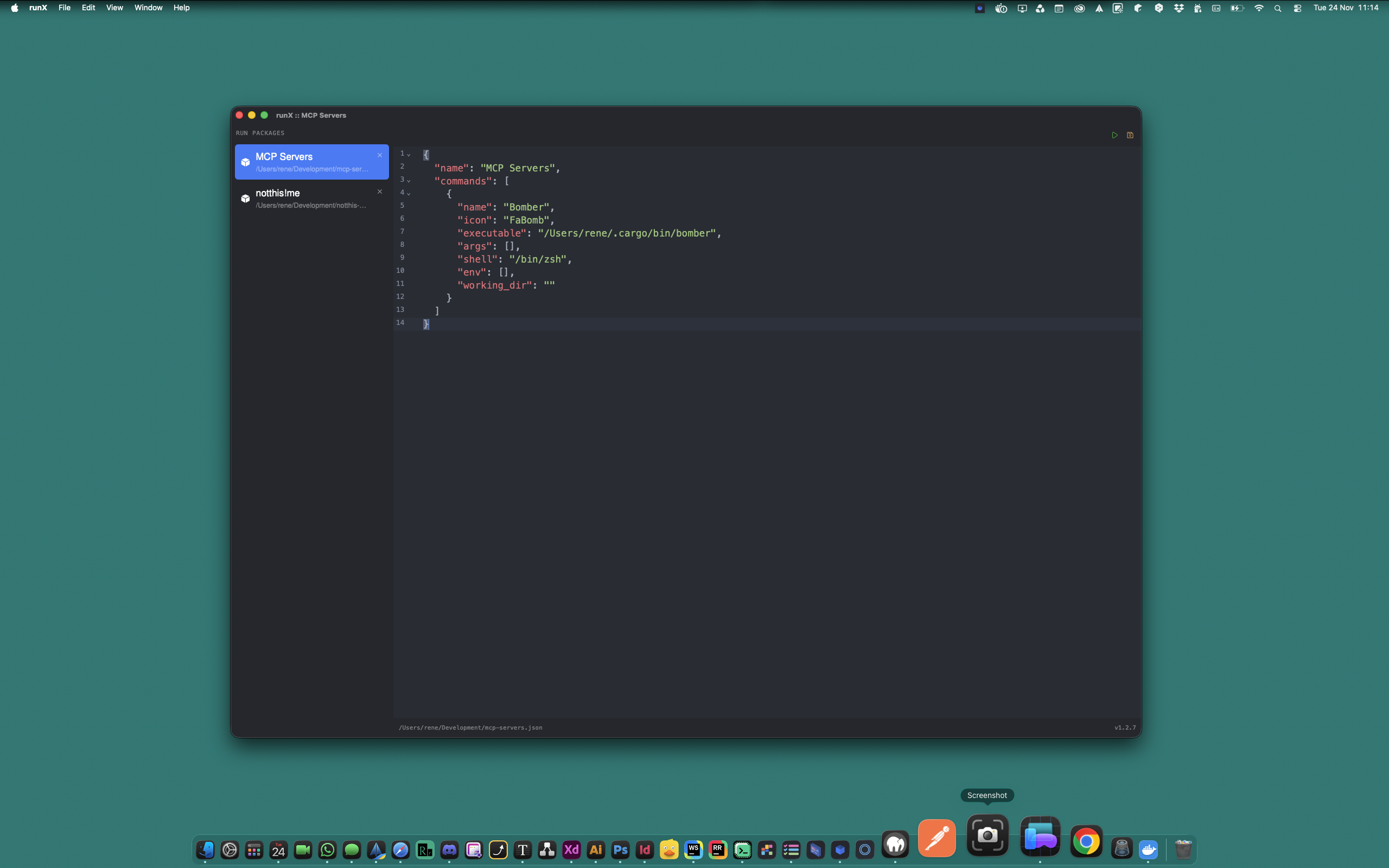
Run scripts and programs in the background through a lightweight desktop UI or CLI while following their output live.
Repo: https://codeberg.org/ReneKrewinkel/runx
IGen
Generate complete web and Expo/React Native icon sets from a single source image in one streamlined step.
Repo: https://codeberg.org/ReneKrewinkel/igen
Slugify
Yeah, another one. But I build this just for the heck of it. Convert text into clean, URL-friendly slugs with a compact Rust library and CLI designed for practical everyday use.
Repo: https://codeberg.org/ReneKrewinkel/slugify
| I’ve always liked building tools that make work simpler, clearer, and a little less repetitive. Most of what I create starts from my own daily practice: command-line first, small in scope, and focused on doing one job well. Sharing that work as open source feels natural to me, because good tools become more valuable when other people can use them, inspect them, and take them further. | ||||||||||||||||